Full moon: dates, rise time and the 2026 supermoon
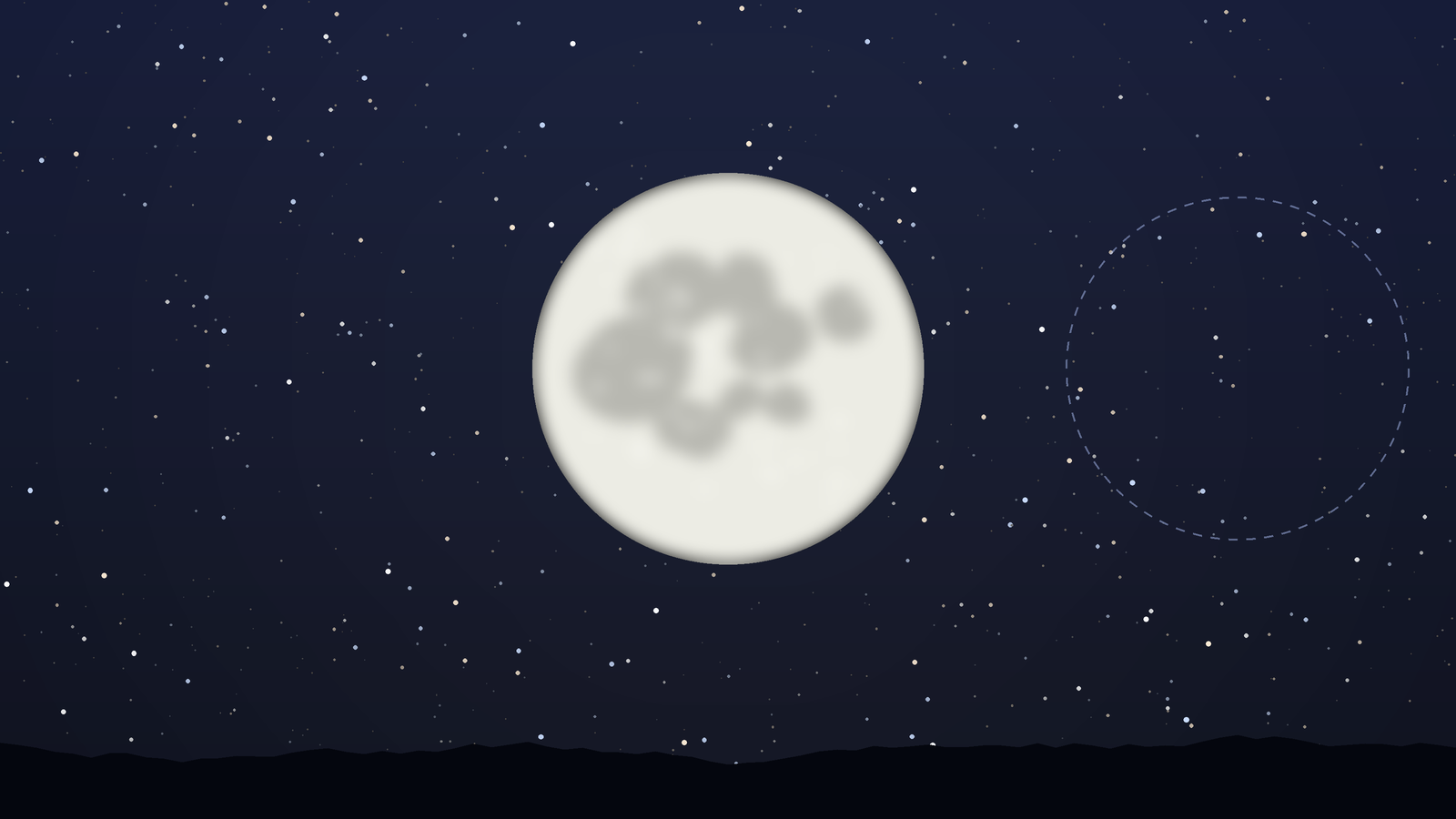
The next full moon is on 24 November 2026 at 3:54 pm in France. Find its rise time, learn why it appears at sunset, and see how the 24 December supermoon differs.
Planets in your room
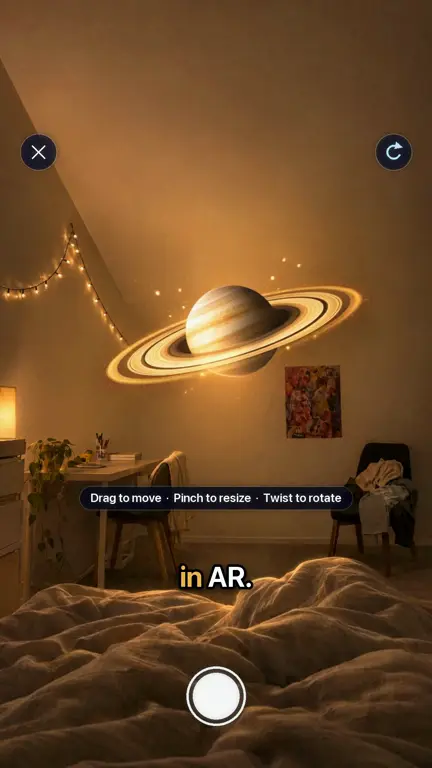
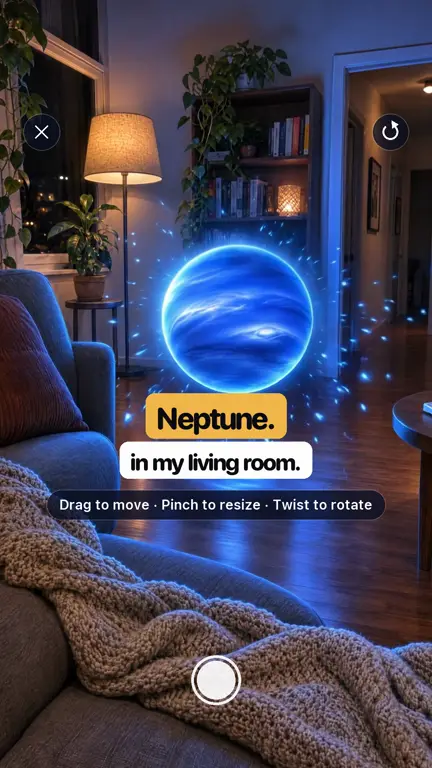
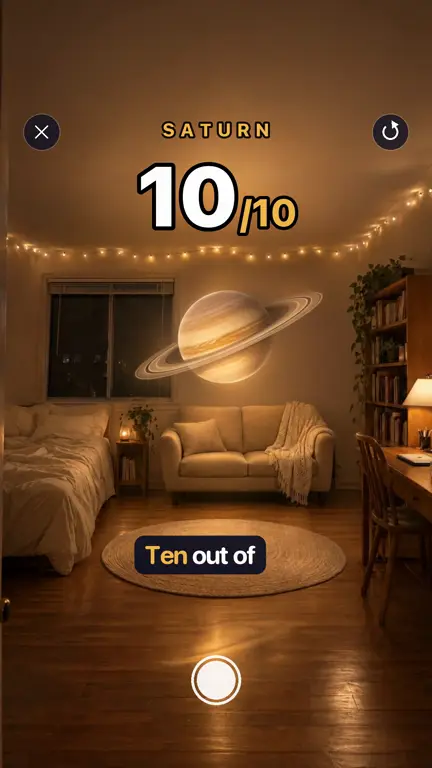
Open a planet in 3D, tap the floor and it appears in front of you in augmented reality. Move it, resize it, walk around it and take a photo.
For iPhone with iOS 18.6 or later
How it works
Choose Saturn, Jupiter, the Moon or another world and view it in 3D. Drag to turn it, pinch to zoom.
Tap Place it in your room, point the camera at the floor or a table and tap where it should go.
Resize and rotate it until it looks right, then take a photo.
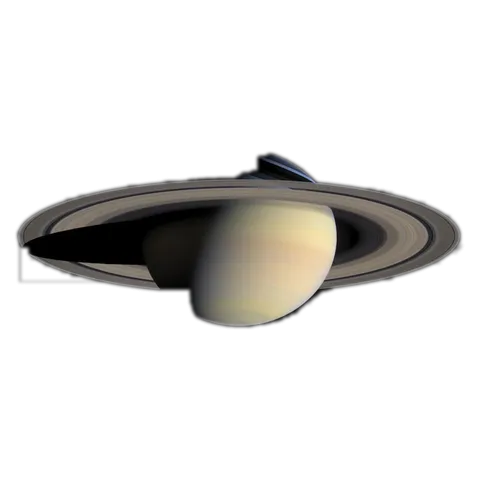
Turn Saturn to see its rings from above, or look for the Great Red Spot on Jupiter.
Pin a photo from your gallery onto anything you find in the sky, and it stays there when you look again.
A planet on the kitchen table makes sizes, rings and colours easy to talk about.
FAQ
Open a planet in Planet Finder, tap Place it in your room and tap a surface. The planet appears in your camera view and stays in place as you move.
Any iPhone that runs Planet Finder, which means iOS 18.6 or later.
You get a number of free AR sessions every day. Pro makes AR unlimited and lets you save and share your AR photos.
The planets are built from real spacecraft photographs. Their size in your room is up to you.
Blog
The next full moon is on 24 November 2026 at 3:54 pm in France. Find its rise time, learn why it appears at sunset, and see how the 24 December supermoon differs.
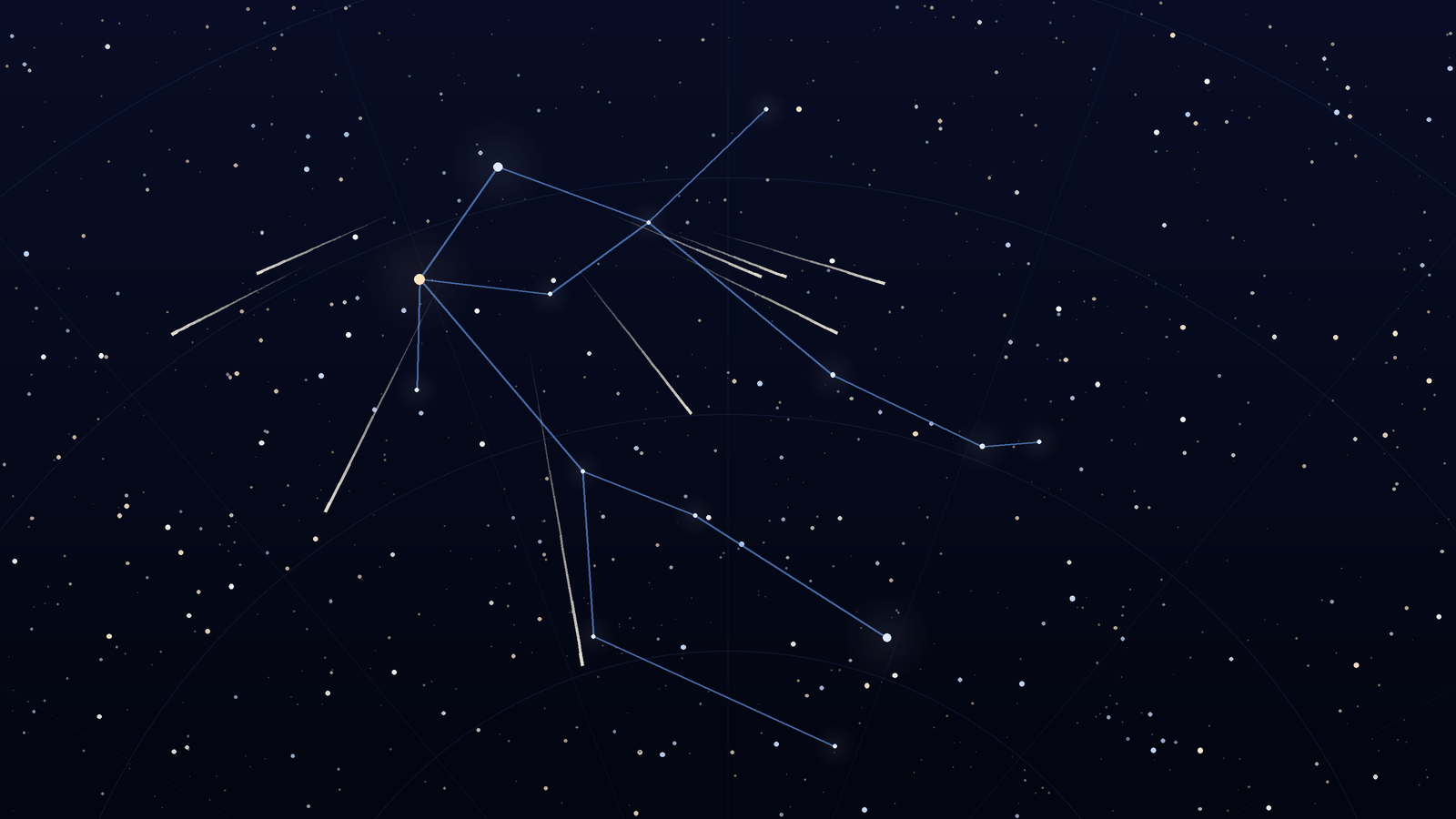
The 2026 Geminids peak on December 13 to 14 under dark skies. Watch from about 9 p.m. to 2 a.m., face Gemini near Castor, and expect bright, slower meteors.
Download Planet Finder for free and find out what is shining above you right now.
For iPhone with iOS 18.6 or later