Full moon: dates, rise time and the 2026 supermoon
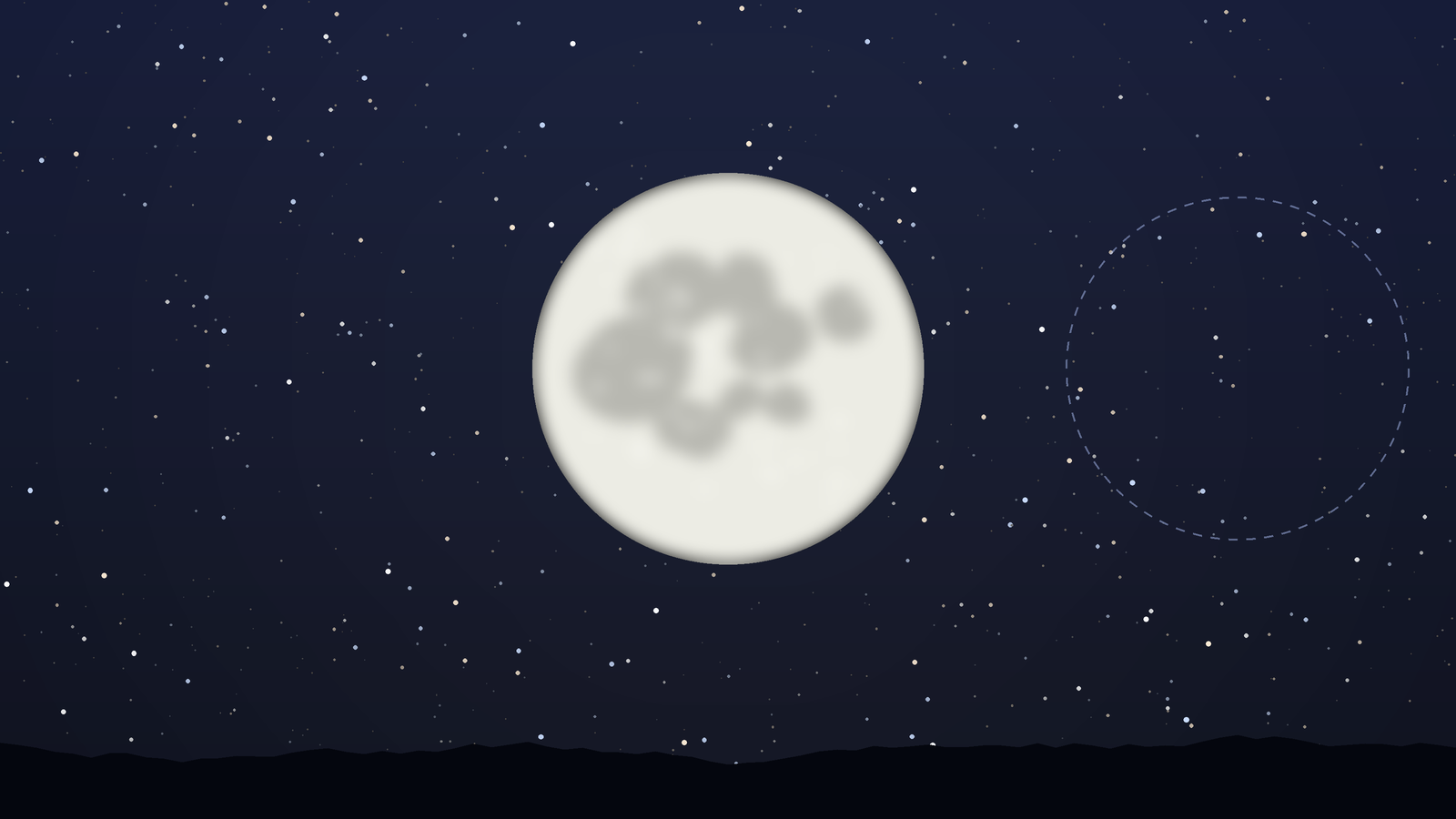
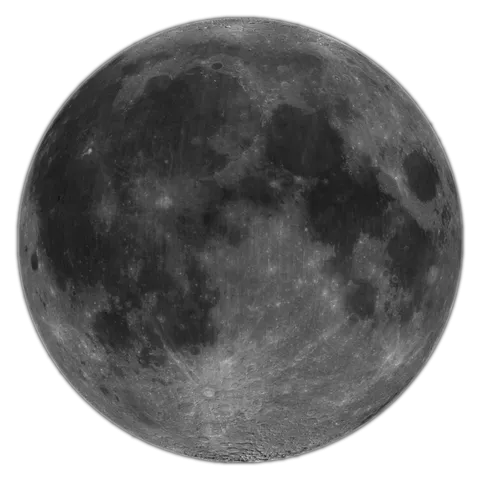
The next full moon is on 24 November 2026 at 3:54 pm in France. Find its rise time, learn why it appears at sunset, and see how the 24 December supermoon differs.
AR sky view
Lift your iPhone and the camera opens with every planet, star and constellation drawn over the real sky. Pick a target and an arrow walks you to it.
For iPhone with iOS 18.6 or later
How it works
Tilt the phone up and the camera turns on by itself. The sky is drawn over it within a moment.
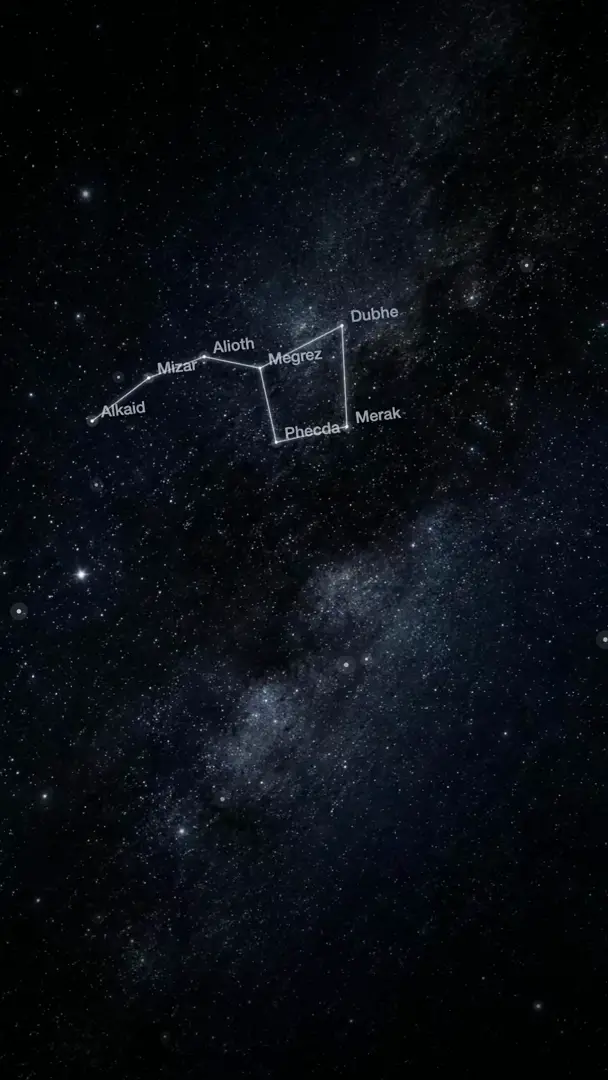
Planets, stars and constellations are labelled where they really are. Pinch to zoom closer.
Pick anything from the list and follow the arrow until the app says Found it.
The planets are up there during the day as well. The app shows where they are and can remind you when they become visible to the naked eye.
Positions are computed on your iPhone, so the AR view keeps working on a mountain or far out of town.
If camera access is off, a radar dial points the way to your target.
FAQ
Yes. With Planet Finder you point your iPhone at the sky and the camera view shows the names of the stars, planets and constellations in that direction.
Positions come from published astronomical models and your location. How well the labels line up depends on your iPhone's compass. If they look shifted, move the phone in a figure of eight and keep it away from metal and magnets.
Yes. The app knows where everything is even when you cannot see it, so you can explore the sky in daylight, under clouds or indoors.
You can use the AR finder for two finds a day for free. Pro makes it unlimited and adds Uranus, Neptune and the complete catalogue as targets.
Blog
The next full moon is on 24 November 2026 at 3:54 pm in France. Find its rise time, learn why it appears at sunset, and see how the 24 December supermoon differs.
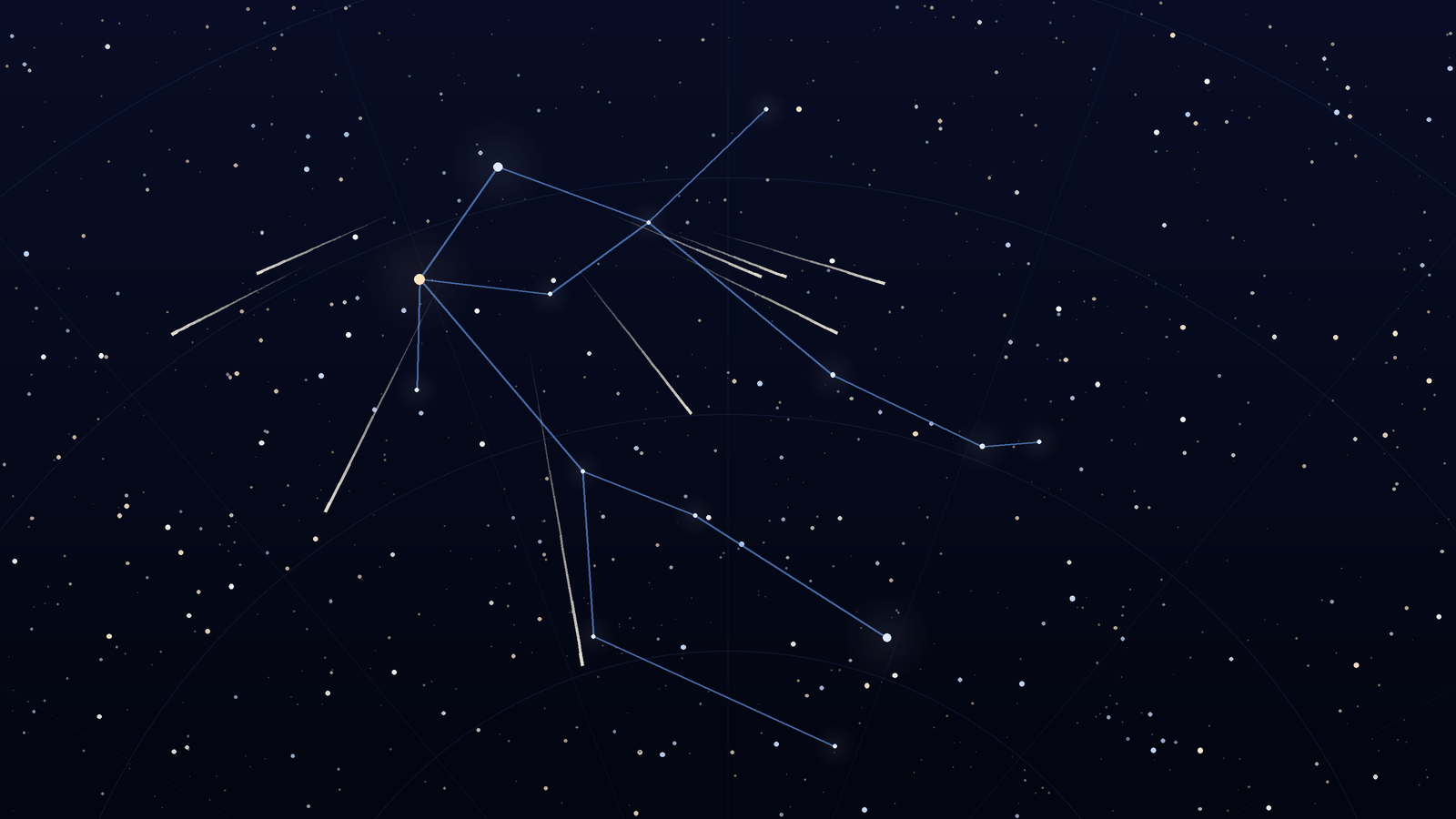
The 2026 Geminids peak on December 13 to 14 under dark skies. Watch from about 9 p.m. to 2 a.m., face Gemini near Castor, and expect bright, slower meteors.
Download Planet Finder for free and find out what is shining above you right now.
For iPhone with iOS 18.6 or later