Full moon: dates, rise time and the 2026 supermoon
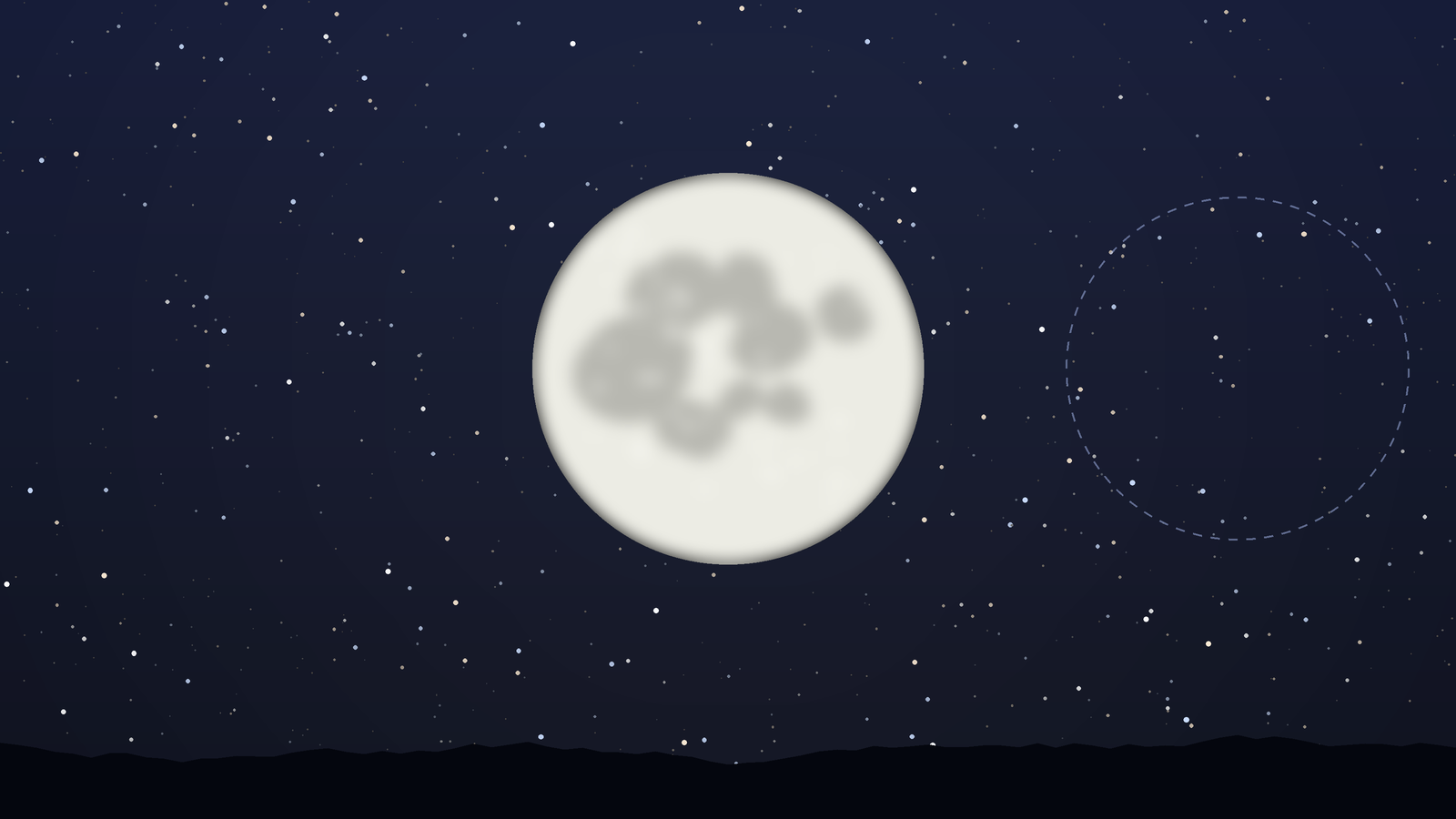
The next full moon is on 24 November 2026 at 3:54 pm in France. Find its rise time, learn why it appears at sunset, and see how the 24 December supermoon differs.
Red night mode
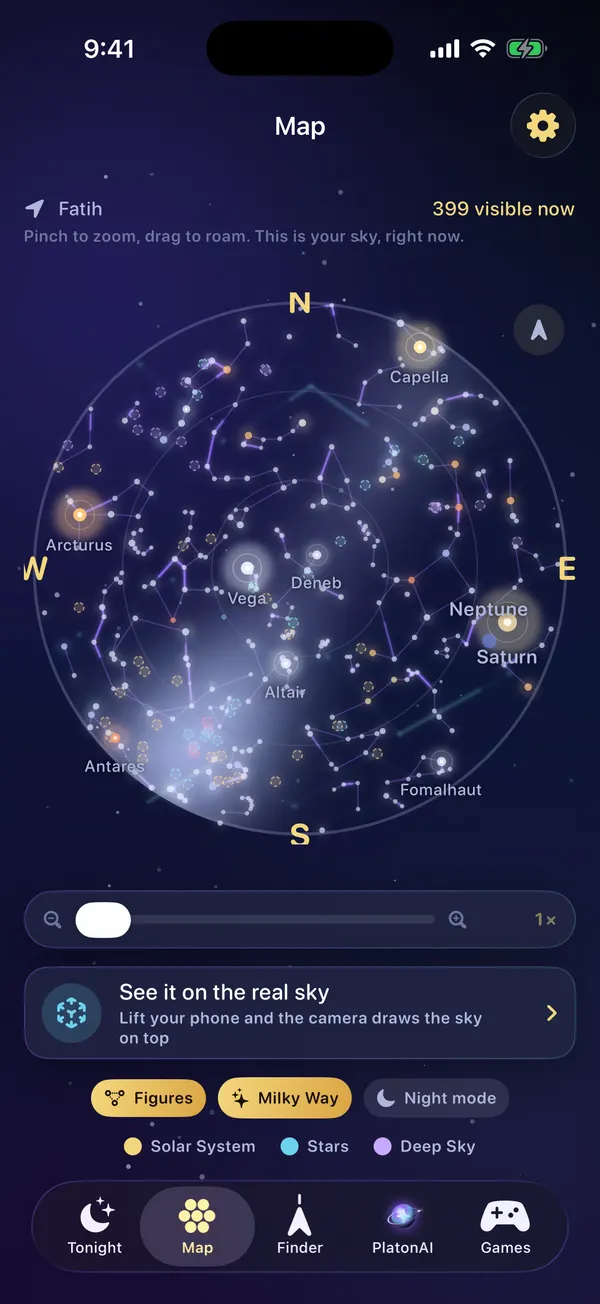
It takes your eyes a long while to adapt to the dark and one bright screen to undo it. Night mode turns the accents of the app red, the colour astronomers use at the telescope.
For iPhone with iOS 18.6 or later
How it works
Tap the gear at the top of any screen.
The gold accents of the app turn red on every screen at once.
Lower the brightness of your iPhone as well. Less light means more stars.
Your eyes become far more sensitive after 20 to 30 minutes in the dark. White light resets that quickly.
Dim red light disturbs dark adapted eyes much less, which is why observatories use it.
With adapted eyes you see fainter stars, the Milky Way and more meteors.
FAQ
It changes the accent colour of Planet Finder from gold to red so the screen is easier on eyes that are used to the dark.
Dim red light affects night vision less than white or blue light, so you can read a chart and still see faint stars afterwards.
Red night mode is part of Planet Finder Pro.
Yes. Night mode changes the colours. Turning the brightness down as well helps your eyes even more.
Blog
The next full moon is on 24 November 2026 at 3:54 pm in France. Find its rise time, learn why it appears at sunset, and see how the 24 December supermoon differs.
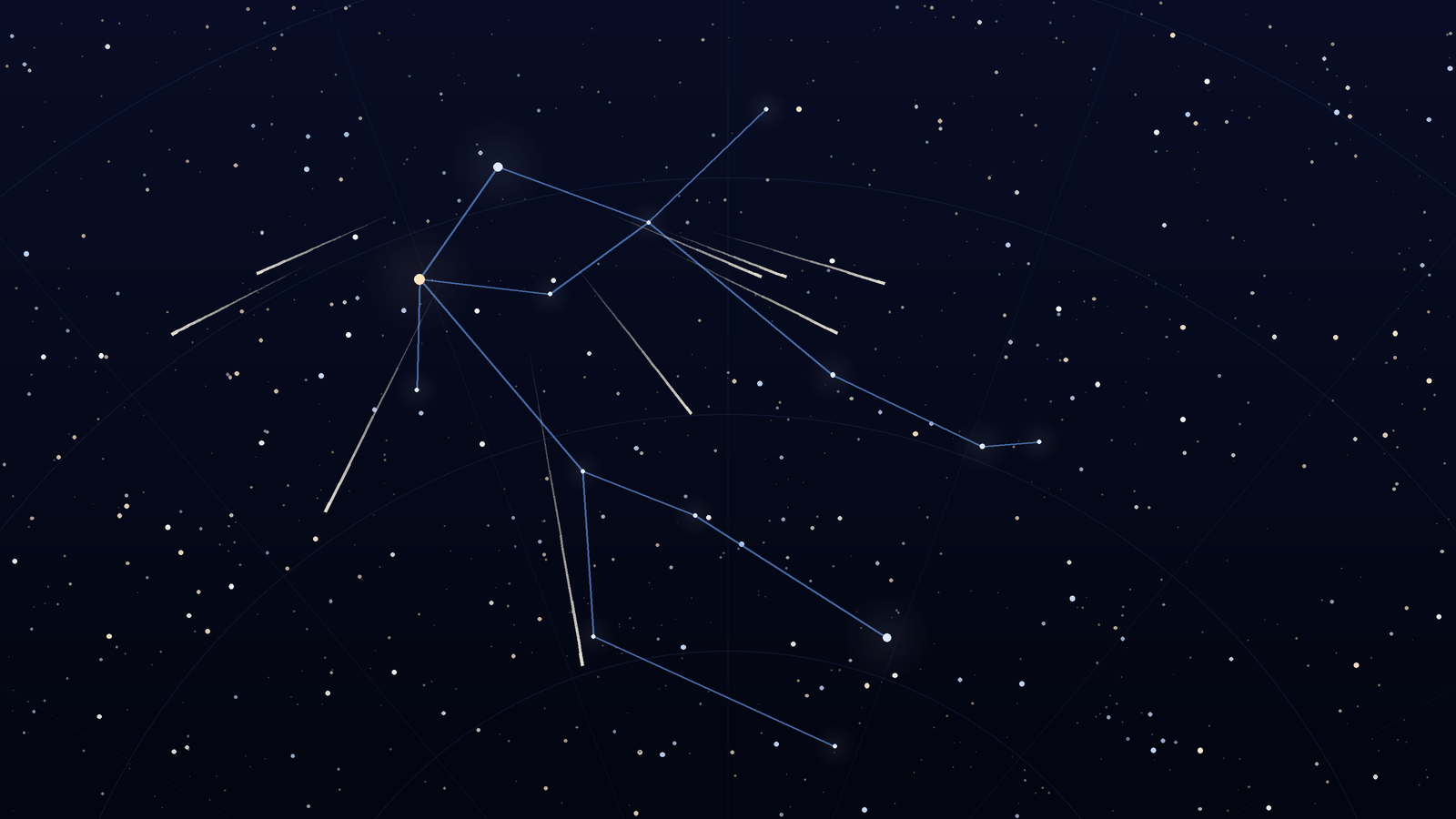
The 2026 Geminids peak on December 13 to 14 under dark skies. Watch from about 9 p.m. to 2 a.m., face Gemini near Castor, and expect bright, slower meteors.
Download Planet Finder for free and find out what is shining above you right now.
For iPhone with iOS 18.6 or later